

In a world where your iPhone is practically an extension of yourself, the last thing anyone wants is for it to be hacked. Imagine your phone spilling your secrets like a gossiping friend at a party. Not cool, right? With all the personal info stored in that sleek device, knowing how to spot the signs of a hack is crucial.
Signs That Your iPhone May Be Hacked
Detecting a hacked iPhone requires awareness of specific signs that indicate unauthorized access. Monitoring device behavior can reveal potential issues.
Unusual Battery Drain
Battery drain can indicate malicious activity. If the iPhone discharges faster than usual, it may have hidden apps running in the background. Applications running covertly consume resources, affecting overall performance. Checking battery usage statistics helps identify any unfamiliar apps. Unrecognized applications might signal a breach, so users should investigate them further.
Unexpected App Behavior
Unexpected behavior from apps can indicate a compromise. If apps crash frequently or exhibit strange actions, something might be wrong. Applications opening on their own or sending messages without user input raise red flags. Keeping an eye on app performance leads to better security awareness. Users should consider resetting apps or uninstalling if behavior persists.
Strange Text Messages or Calls
Receiving strange text messages or calls often signals hacking attempts. Messages from unknown numbers or containing suspicious links can compromise security. Frequent unsolicited calls might indicate someone trying to gather personal information. Monitoring messaging patterns assists in identifying unauthorized contacts. Reporting suspicious communication to the carrier adds an extra layer of protection.
How to Check for Hacking
This section focuses on methods to identify potential hacking on an iPhone. Users can take various steps to strengthen their security and pinpoint any unauthorized access.
Reviewing Installed Apps
Check the list of installed apps regularly. Unfamiliar apps may indicate unauthorized access. Users should visit the App Store and review applications to ensure they’re legitimate. Deleting suspicious apps stops potential threats. Users must also keep an eye on newly installed updates, as they could contain unwanted changes or malware.
Monitoring Data Usage
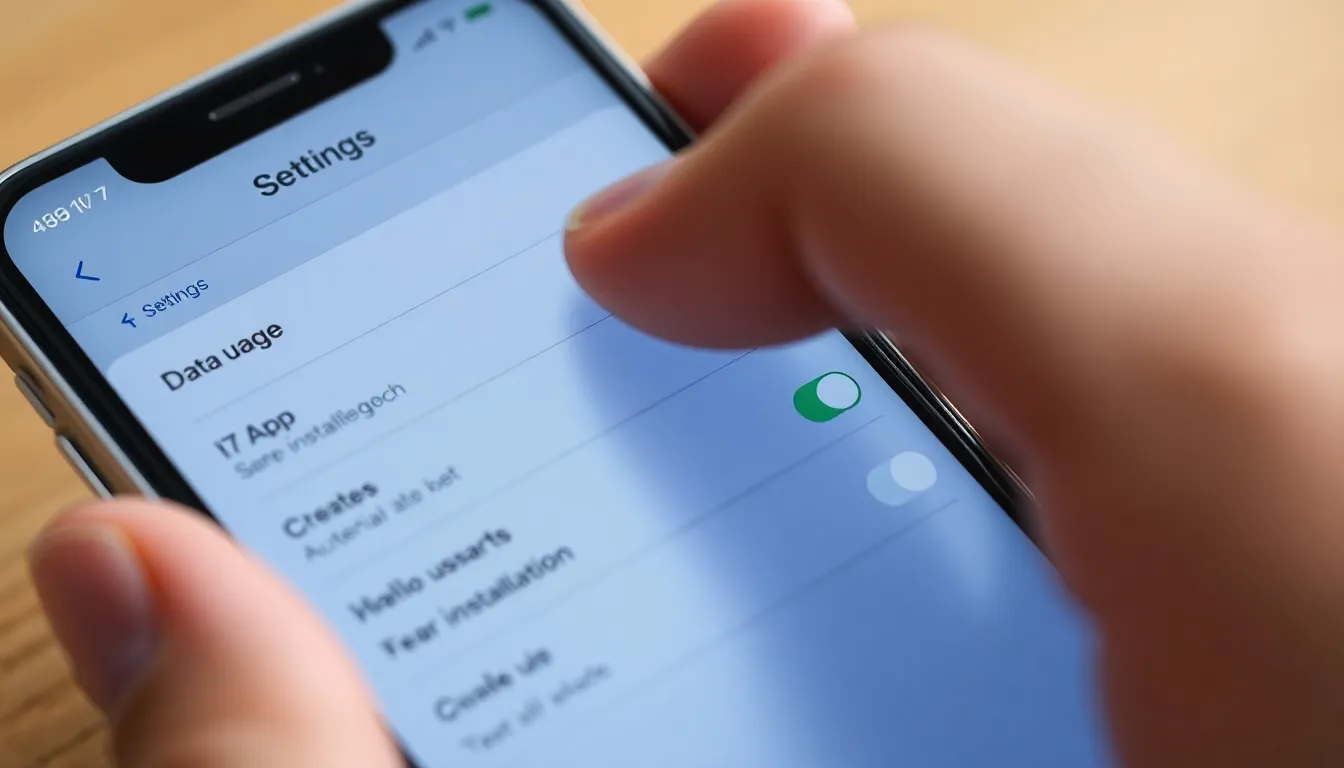
Monitoring data usage is essential in identifying hacking. Unexplained spikes in data usage often suggest hidden apps running in the background. iPhone users can navigate to Settings, select Cellular, and view data usage by app. If certain apps suddenly consume excessive data, they may be compromised. Taking action by limiting data can help mitigate risks while further investigation occurs.
Examining Account Activity
Examining account activity is crucial for identifying unauthorized access. Regularly checking email, social media, and other accounts helps reveal any strange login attempts or unfamiliar devices. Users should look for security alerts or notifications from services indicating unusual behavior. Reporting discrepancies ensures prompt resolution and strengthens account security.
Steps to Take If Hacked
Taking immediate action is crucial if an iPhone shows signs of being hacked. Users must act promptly to protect personal information and restore security.
Changing Passwords
Changing passwords shouldn’t wait. Start with the Apple ID password, as access to this account controls many features. Update passwords for all apps and services linked to the device. Implement strong passwords by using a mix of letters, numbers, and symbols. Consider enabling two-factor authentication for enhanced security. Frequent updates help prevent unauthorized access. A password manager can aid in maintaining unique passwords for different accounts.
Performing a Factory Reset
Performing a factory reset is a definitive step to ensure any hacks are eliminated. Before initiating the reset, back up essential data using iCloud or a computer. This process wipes all content and settings on the device, returning it to its original state. Users can access this option in the Settings menu under General, then Reset. After completing the reset, reinstall apps selectively to avoid reintroducing potential threats. Always update the operating system to the latest version post-reset for optimal protection.
Contacting Apple Support
Contacting Apple Support provides expert assistance in resolving hacking incidents. Users can reach out through the official Apple website or via the support app. Trained specialists will guide through identifying potential vulnerabilities and provide tailored solutions. Apple Support may also help secure accounts further and recommend best practices for protection. Engaging with professionals ensures access to reliable information and peace of mind.
Preventive Measures
Implementing preventive measures can significantly reduce the risk of an iPhone hack. Awareness and action go hand in hand to enhance security.
Keeping iOS Updated
Always update iOS to the latest version. Apple regularly releases updates that include security patches. These updates fix vulnerabilities that hackers might exploit. It’s wise to enable automatic updates to ensure timely installations. Users benefit from protection against newly discovered threats with each update. Regularly checking for updates also keeps the device optimized and improves overall performance.
Using Strong Passwords
Creating strong, unique passwords is essential for protecting accounts. Include a mix of letters, numbers, and special characters in each password. Avoid using easily guessed information, like names or birthdays. Change passwords regularly to enhance security. Utilizing password managers can help securely store and generate complex passwords. Strong passwords deter unauthorized access, making it harder for hackers to breach accounts.
Enabling Two-Factor Authentication
Two-factor authentication adds an extra layer of security. When enabled, it requires a secondary verification method, such as a code sent to a trusted device. This step prevents hackers from accessing accounts, even with stolen passwords. Many services, including Apple ID, support two-factor authentication. Activating this feature strengthens account security, offering users peace of mind against potential hacks. Always follow the setup instructions closely to ensure it functions properly.
Recognizing the signs of a hacked iPhone is essential for safeguarding personal information. By staying vigilant and monitoring unusual behaviors users can take proactive steps to protect their devices. Regularly reviewing installed apps and data usage helps identify potential threats early on.
If any signs of hacking are detected immediate action is crucial. Changing passwords enabling two-factor authentication and considering a factory reset can restore security.
Maintaining updated software and using strong passwords further enhances protection against unauthorized access. By following these guidelines users can enjoy greater peace of mind knowing their iPhone remains secure.


