
In a world where privacy feels like a myth, many iPhone users wonder if their every move is being tracked. With the latest apps and features, it’s easy to feel like Big Brother is peeking over your shoulder. But don’t panic just yet! Your iPhone might be more of a loyal companion than a nosy neighbor.
Imagine your phone as that friend who always knows where the best taco truck is but doesn’t spill your secrets. Still, it’s essential to know just how much information your trusty device is sharing. Is it time to don a tinfoil hat, or can you relax knowing your digital footprint is under control? Let’s dive into the world of tracking, uncover the truth, and find out if your iPhone is really keeping tabs on you.
Understanding Tracking on Your iPhone
Tracking on an iPhone involves the collection of data regarding a user’s location and activities. Users often question the balance between functionality and privacy in this digital age.
What Does It Mean to Be Tracked?
Being tracked means that devices record or share information about a user’s movements and behaviors. Data collected may include location information, app usage, and browsing history. Some users find this intrusive, while others appreciate personalized features. Understanding tracking helps users make informed decisions about their privacy settings and data sharing.
Common Tracking Methods
Several methods enable tracking on iPhones. GPS technology allows precise location tracking, making it possible for apps to offer navigation and local recommendations. Wi-Fi networks contribute to location accuracy using nearby signal data. Bluetooth beacons provide another layering option for tracking within specific areas. App permissions can govern data access, allowing users to control which applications can track their information.
Signs You Might Be Tracked
Identifying signs of potential tracking on an iPhone can help users maintain their privacy. Several indicators may suggest unauthorized monitoring of device activities.
Unusual Battery Drain
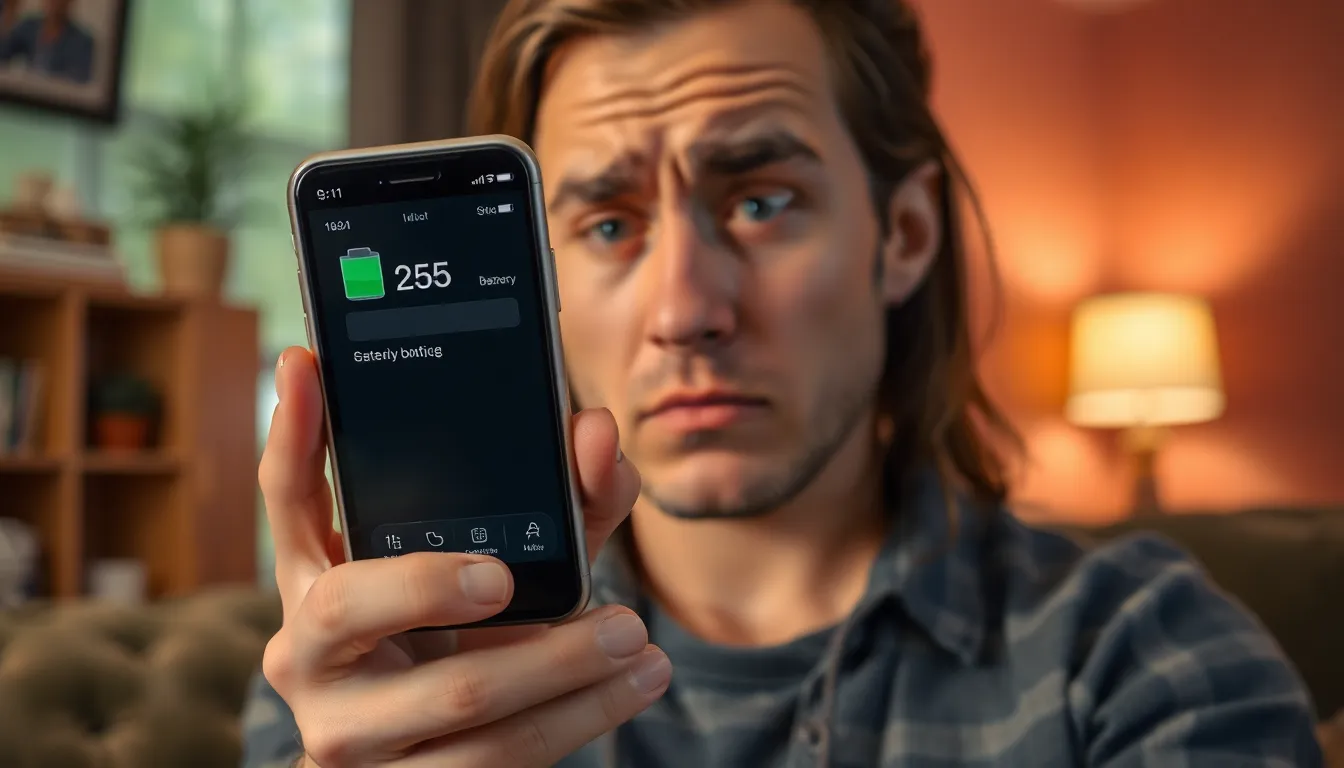
Unexpected battery drain may signal tracking activities. Background processes could be running to collect location data or utilize tracking apps. Frequent charging or rapid power loss could indicate spyware or unapproved applications running incessantly. Users should monitor their battery usage statistics for unfamiliar apps consuming significant power. Regularly checking battery health may reveal abnormalities.
Unexpected Data Usage
Unexplained spikes in data consumption often hint at tracking efforts. Tracking software might transmit location data or other information using cellular data. Users should review their monthly data usage for any irregularities. An increase in background data usage can occur without any new apps installed. Keeping tabs on data spending may uncover hidden apps transmitting data.
Strange App Behavior
App behavior that seems out of the ordinary can suggest tracking. Applications may crash unexpectedly or display unusual error messages. Look for apps accessing camera or microphone without explicit user consent. Users should examine permissions granted to all apps installed, noting any suspicious activity. Tracking software might lead to frequent notifications or suspicious prompts.
How to Check Your iPhone for Tracking
Checking an iPhone for tracking involves a few straightforward steps. Users can take proactive measures to ensure their privacy remains intact.
Reviewing Location Settings
First, users should navigate to Settings and select Privacy & Security. Inside, tapping on Location Services displays all apps accessing location data. Individuals can view each app’s permission settings, adjusting to “While Using” or “Never” as needed. Disabling Location Services completely turns off all geolocation features but may limit app functionality. Users can also check their significant locations to see if the device has stored any previously tracked locations. This section shows places visited frequently, providing insight into location data collection.
Investigating App Permissions
Start by examining app permissions within Settings. Scrolling down, users can find each installed app listed along with its granted permissions. Checking for apps with unchecked permissions ensures that no unnecessary access exists. Users should look for apps with microphone or camera access, as these can indicate potential tracking risks. Revoking permissions from apps that don’t require them can significantly enhance privacy. Furthermore, reviewing the permissions regularly helps maintain control over shared information and protects against unwanted tracking.
Protecting Your Privacy
Maintaining privacy while using an iPhone requires proactive measures. Users can take specific steps to secure their personal information effectively.
Adjusting Privacy Settings
Navigating to Settings is the first step in adjusting privacy settings. Selecting Privacy & Security allows users to review app permissions granted on their devices. Users gain greater control by toggling location services off for apps that don’t need it. Disabling tracking options within apps can prevent unnecessary data collection. Regularly reviewing these permissions ensures that only essential apps access personal information. Awareness of settings promotes a more secure digital experience.
Using VPNs and Security Apps
Installing a VPN enhances online privacy significantly. VPNs encrypt internet traffic, making it harder for third parties to track online activity. Many reputable VPN services offer user-friendly interfaces tailored for iPhones. Security apps also play a crucial role in protecting data. These applications can detect potential threats and offer real-time monitoring of suspicious activities. Users benefit from a multi-layered approach to security by combining VPNs with trusted security apps. Emphasizing these tools helps maintain privacy while browsing and using various applications.
Understanding the nuances of tracking on an iPhone empowers users to take control of their privacy. By being proactive and regularly reviewing app permissions and privacy settings, individuals can minimize unwanted data sharing.
Adopting tools like VPNs and security apps further enhances online safety. Users can enjoy the benefits of personalized features without sacrificing their privacy.
Staying informed about potential tracking signs and taking appropriate actions can help maintain a secure digital environment. With the right knowledge and tools, users can confidently navigate their iPhone experience.


